
Approved PDF
Start with the finished file.
Generate approved PDF variants, book updates, and production changes without rebuilding source files.
Transform finished books, refresh approved collateral, and keep review focused on the pages that changed.
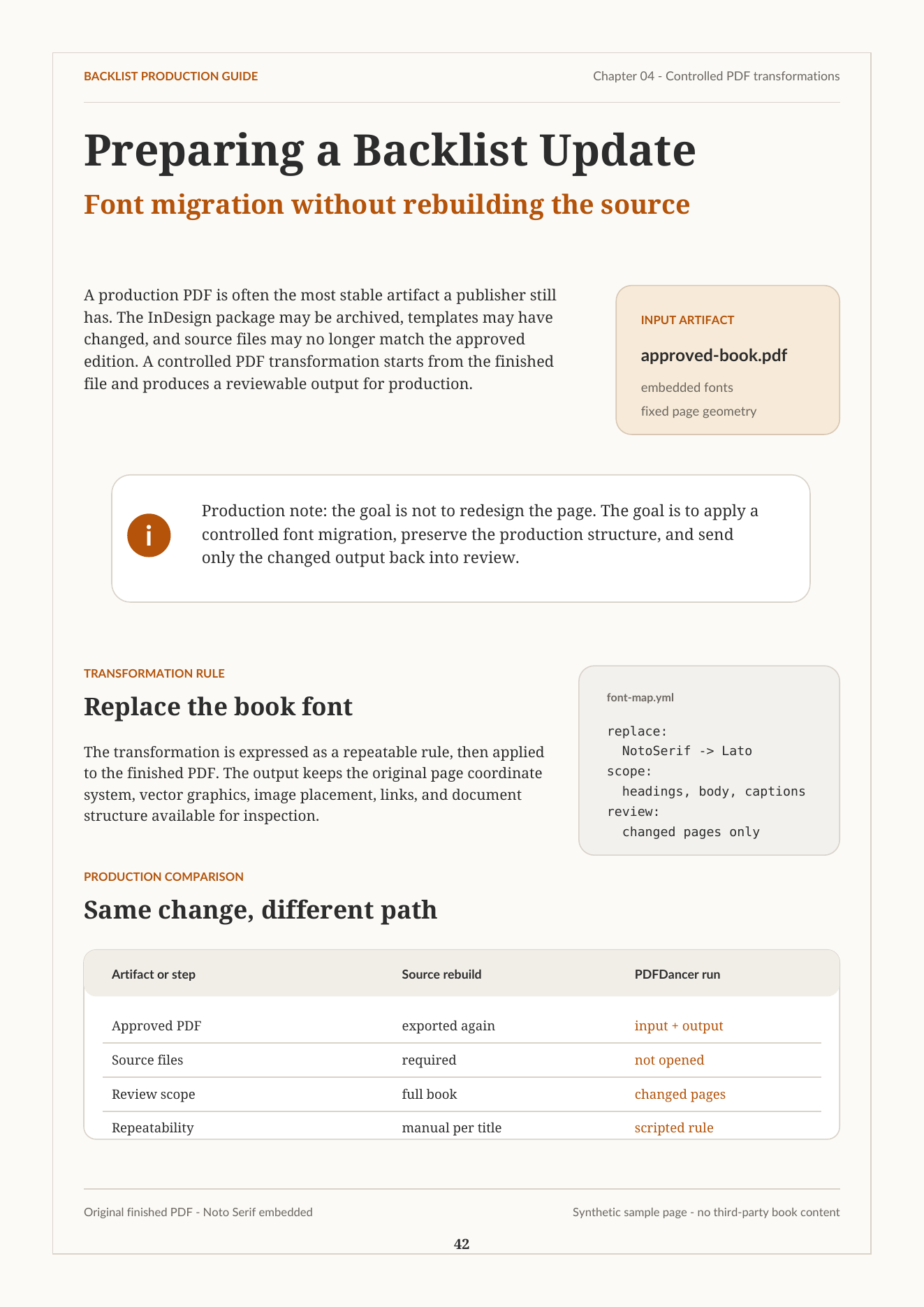 Input PDF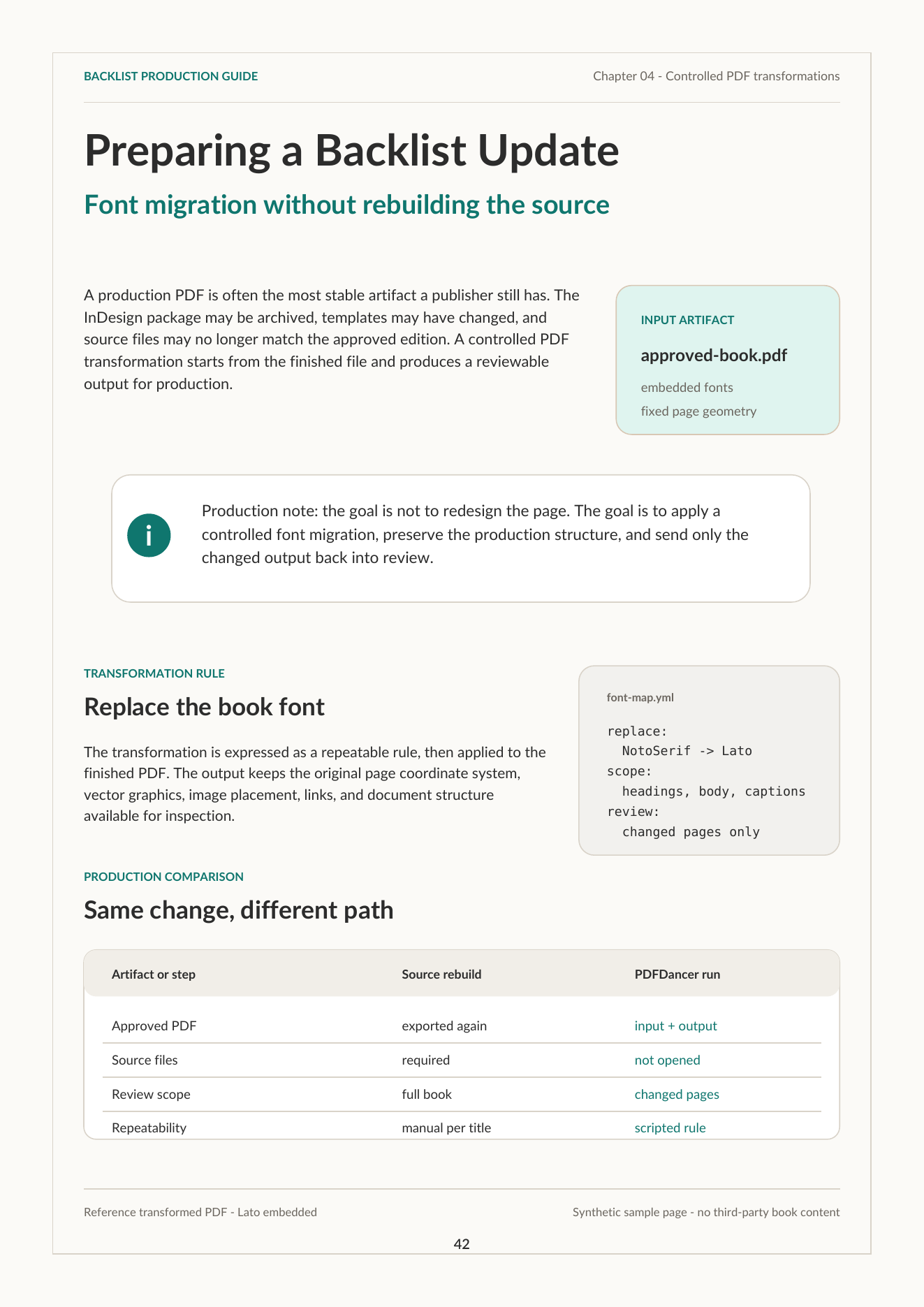
Source files and design tools are essential for creating PDFs. But after approval, production teams still need variants, layout-sensitive transformations, vendor handoffs, regenerated files, and QA-heavy review.
PDFDancer applies controlled changes directly to approved PDFs, checks the result, and lets workflows that prove out move into repeatable production.
Start with the finished file.
Define the text, mark, QR, font, or rule.
Apply the change directly to the PDF.
Check the output against the target.
Apply layout-sensitive production changes to finished titles, then review evidence before scaling the workflow.
Run font migrations, imprint updates, publisher mark changes, and regional variants on finished titles.
Review transformed output with changed pages, before/after detail, checks, and notes.
Avoid broad source rebuilds when the finished PDF is the better production input.
A controlled font migration on the finished PDF, with matching magnifiers locked to the changed title detail.
Review evidence: page context, zoomed detail, and unchanged layout around the edit.
Use approved brochure, campaign, and sales PDFs as production inputs for controlled partner, client, campaign, and regional variants.
Generate controlled versions with partner names, URLs, QR targets, offers, or disclaimers.
Let local teams receive approved market variants without sending each request back to design.
Use approved PDFs behind sales, partner, franchise, or internal collateral portals.
PDFDancer applies the requested PDF change, shows the changed output, and pairs it with a preflight report for the quality target that matters to the job.
Approved PDF changes where the finished file is the better starting point than rebuilding from source.
Manual PDF editing, freeform redesign, replacing layout tools, or generic template generation.
Send one finished PDF and the production change you want to test. We will return a transformed sample, review notes, and a recommendation.